
- To create a Rollo Ship account for free, visit: ship.rollo.com/signup
Download the app for free on: iOS or Android - Enter your details: email, first name, last name, password, country, and phone.
- The United States is the default country; switch it if you ship from Canada.
Important: This is key for the currency you are going to see the shipping rates and manage your inventory of imported orders.
If you run a Canadian eCommerce store, make sure to select Canada so you can see CAD.
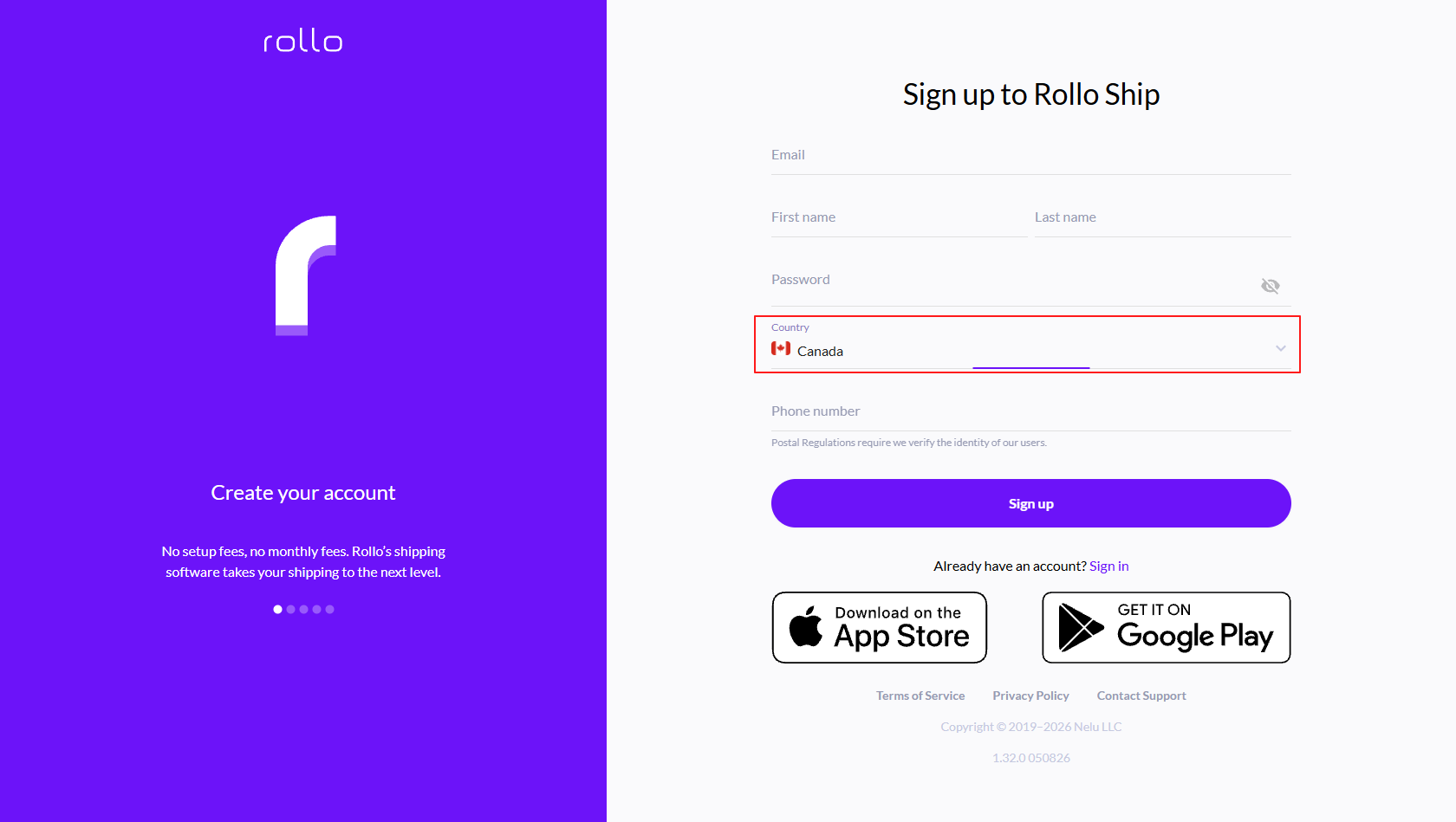
Keep in mind that: Postal regulations require Rollo to verify the identity of users.
Rollo Ship is free!
There is no sign-up fee, no monthly subscription, and no card required to create the account, download the app, connect selling channels, import orders, manage inventory, or to compare rates.
Learn more at:
- USPS - built-in discounts - up to 90% off USPS retail rates
- UPS USA - built-in discounts - up to 81% off UPS® Ground and up to 85% off UPS international
- FedEx USA - connect your own account
- UPS Canada - built-in discounts - Up to 76% off UPS Standard® within Canada, up to 76% off UPS Express® to the U.S. Inclusive of applicable fuel and residential surcharge. Not including other additional applicable charges and taxes.
- Canada Post - built-in discounts - Up to 34% off domestic, up to 58% off international
- FedEx and Purolator - connect your own account (Purolator: Canadian accounts only)
Calculate your discounted rates before creating a shipment: shipping calculator.
Every shipment counts towards Rollo Rewards.
No limits!
You do not need a store or a shipping volume minimum, and there is no business requirement to create a Rollo Ship account.
Anyone in the U.S. and Canada can ship with Rollo Ship - whether you are an occasional shipper looking to save on costs/schedule a pickup or an enterprise business.
No need for a purchase. You don't need a Rollo printer to leverage Rollo Ship's perks. Rollo Ship works with any printer.
Fund the wallet with a card or ACH when you are ready to buy postage. There is no label fee on your first 200 labels; you still pay the carrier.
Creating the account does not print a label. Compare a real package and print the first shipment to finish setup.
Rollo Ship is multi-carrier shipping software from Nelu, LLC dba Rollo, not a carrier. Rollo EVs is a discontinued pilot. Rollo Ship Manager is the former name of Rollo Ship/Rollo App.
FAQ
Is a credit card required to sign up?
No. You can create the account and compare rates first. Add wallet funds before you buy a label and pay the postage for the chosen carrier service (up to 90% off USPS retail rates on eligible services).
Do web and mobile use different accounts?
No. One Rollo Ship account works on web, iOS, and Android.
What if I already have an account?
Sign in at ship.rollo.com/login and print from there. Print from any device. Schedule pickups. Collect points with every shipment and in-app action. Redeem for freebies like packs of thermal labels, a shipping scale, and a thermal label printer.
Ready to ship? Compare live rates and create your next shipment.